Organizing an ESP32 IoT Workshop at IISER Bhopal
How we organized a hands-on hardware workshop with the EECS Club at IISER Bhopal, prepared setups in the hostel common room, and mentored junior undergraduates.
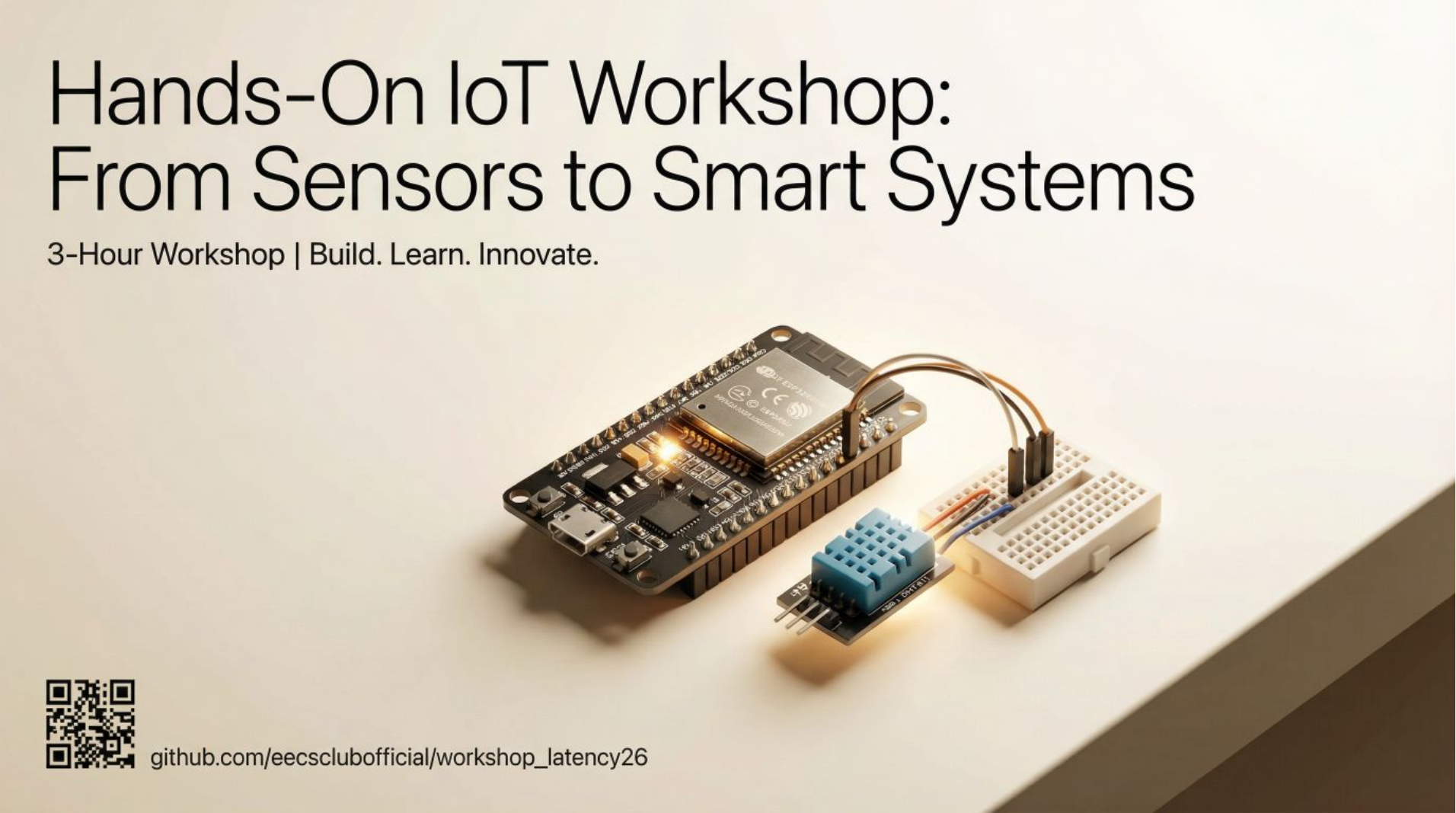 EECS Club IoT workshop at IISER Bhopal, organized under our Latency26 initiative.
Workshop materials and code are available on GitHub. Slide guide is available as a PDF.
Hands-on Versus Slide-Based Sessions
Most technical workshops in college follow a familiar script. Posters promise attendance certificates and refreshments to draw students into an auditorium on a weekend afternoon, but once you sit down, it usually turns into a two-hour presentation where someone clicks through code on a projector. You listen, take notes, and walk away with a certificate, but without ever touching a wire or debugging a real circuit. Watching someone else write code rarely builds practical engineering confidence.
When planning an introductory IoT workshop with the EECS Club at IISER Bhopal for junior students, we wanted to break away from that pattern. While actively exploring ways to engage our audience, we decided to make the entire session interactive. If people were giving up their weekend afternoon, we wanted them to spend it building rather than listening. We arranged hardware kits through a sponsorship from a startup so that every attendee had components directly in front of them: microcontrollers, sensors, LCD displays, and breadboards, allowing everyone to build, test, and troubleshoot circuits on their own.
Late-Night Preparation in the Hostel
The real test of an interactive session happens long before anyone enters the lab. A few nights before the workshop, our team gathered in the hostel common room with a pile of components to walk through the entire build sequence ourselves from scratch.
That late-night test immediately revealed issues that would have stalled the entire room. When I wired our test LCD display and uploaded the code, the backlight turned on bright blue, but the screen stayed completely blank. Pin definitions and libraries were all correct, yet nothing appeared. After some troubleshooting, we turned the small trimmer potentiometer on the rear I2C backpack board with a screwdriver. The characters appeared immediately: the factory contrast setting had simply been dialed down to zero. Catching that quirk ahead of time allowed us to make it our opening troubleshooting slide, sparing attendees from assuming their hardware was defective.
Component variations caused another quiet problem. Different manufacturing batches of our display modules operated on distinct I2C bus addresses, split between 0x27 and 0x3F. Transmitting data to the wrong address produces no compilation error; the screen simply remains unresponsive. To prevent attendees from chasing phantom wiring faults, we wrote a short address scanner script so anyone whose screen stayed silent could detect their board’s address in seconds.
We also checked our ESP32 boards to ensure they had consistent firmware installed, avoiding USB port recognition issues before the session started.
Running the Session
When Sunday arrived and the lab filled with junior students, I noticed that the initial hurdle in the room was psychological rather than technical. Many attendees were holding a bare development board for the first time, and there was a common worry that plugging a jumper wire into the wrong pin would short-circuit or permanently damage the chip. Demonstrating that modern development boards are durable, and that miswiring on a breadboard is just a normal diagnostic step, helped ease that tension. Once people realized they had permission to experiment and make mistakes, the atmosphere in the room completely changed.
Several early setup issues surfaced immediately. Some student laptops lacked the serial drivers needed to recognize the ESP32 over USB, while others had cables that only supplied power without data lines. Our team moved between tables to install missing drivers and swap cables, keeping the momentum going.
Once boards were connected, the session really came alive. Students started by displaying custom text on their LCD screens, quickly replacing sample strings with room numbers and jokes. Connecting the DHT-11 temperature and humidity sensor brought the software into the physical world: asking attendees to exhale gently across the sensor grate let them watch humidity numbers climb live on their displays, turning an abstract sensor reading into an immediate physical observation. Tables naturally formed small working groups where students helped each other trace wires and verify code syntax.
Takeaways on Mentorship and Organization
Being on the organizing side gave me several practical takeaways that I never realized as an attendee:
- Proactive mentorship over podium lecturing: A single presenter at the front cannot debug dozens of concurrent circuits. Having EECS Club team members move between tables as mentors allowed us to read student body language, spotting hesitation before frustration set in.
- Questioning expert blind spots: Conventions that seem second nature once learned, like breadboard power rails, ground references, or pin multiplexing, appear arbitrary to a beginner. Clear documentation requires deliberately stripping away assumed knowledge.
- The leverage of thorough preparation: What attendees perceive as a smooth, effortless workshop is simply the outcome of resolving hardware discrepancies days in advance.
Ultimately, organizing the workshop reinforced that effective engineering education is less about delivering comprehensive lectures and more about creating an environment where beginners feel safe to test, miswire, and debug with confidence.